
1. Drop in your animated GIF
Upload a GIF up to 25 MB and 120 frames. We process frame 1 free so you can check the cutout before unlocking the full animation.
GIF background remover for animated files. Preview frame 1 free; unlock the full GIF.
Drag and drop a GIF
or browse to upload.
GIF, PNG, JPG or WEBP · up to 25MB · up to 120 frames
Free preview
No recent results
Upload a GIF up to 25 MB and 120 frames. We process frame 1 free so you can check the cutout before unlocking the full animation.
Press Preview frame 1 free. The background is removed automatically; there is no background type, tolerance or brush to configure.
Unlock the full GIF with credits. Frame order, delays and loop are preserved, and the paid file has no watermark.
Related guides: Transparent GIF · Remove GIF Background · Transparent GIF Maker · Make GIF Transparent
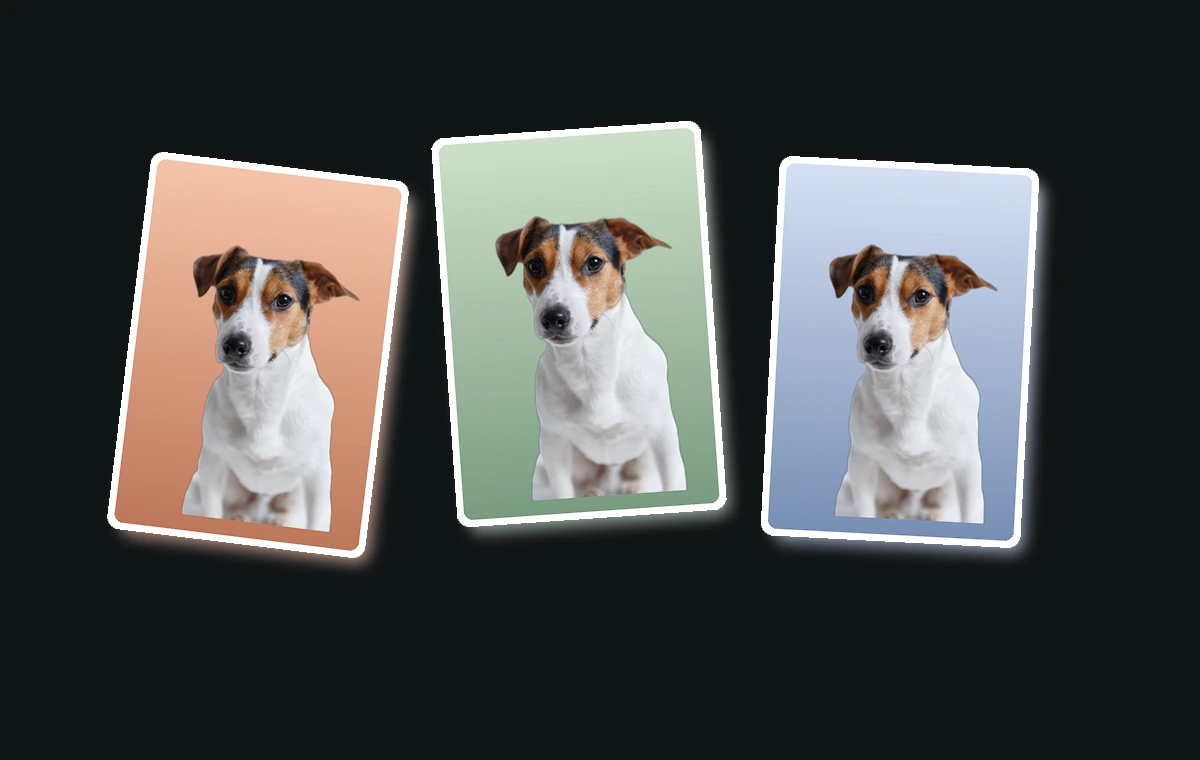
Pet clips, reaction GIFs and product loops all work the same way. After you unlock, every frame is processed and the original frame order, delays and loop are kept.
Try a real GIF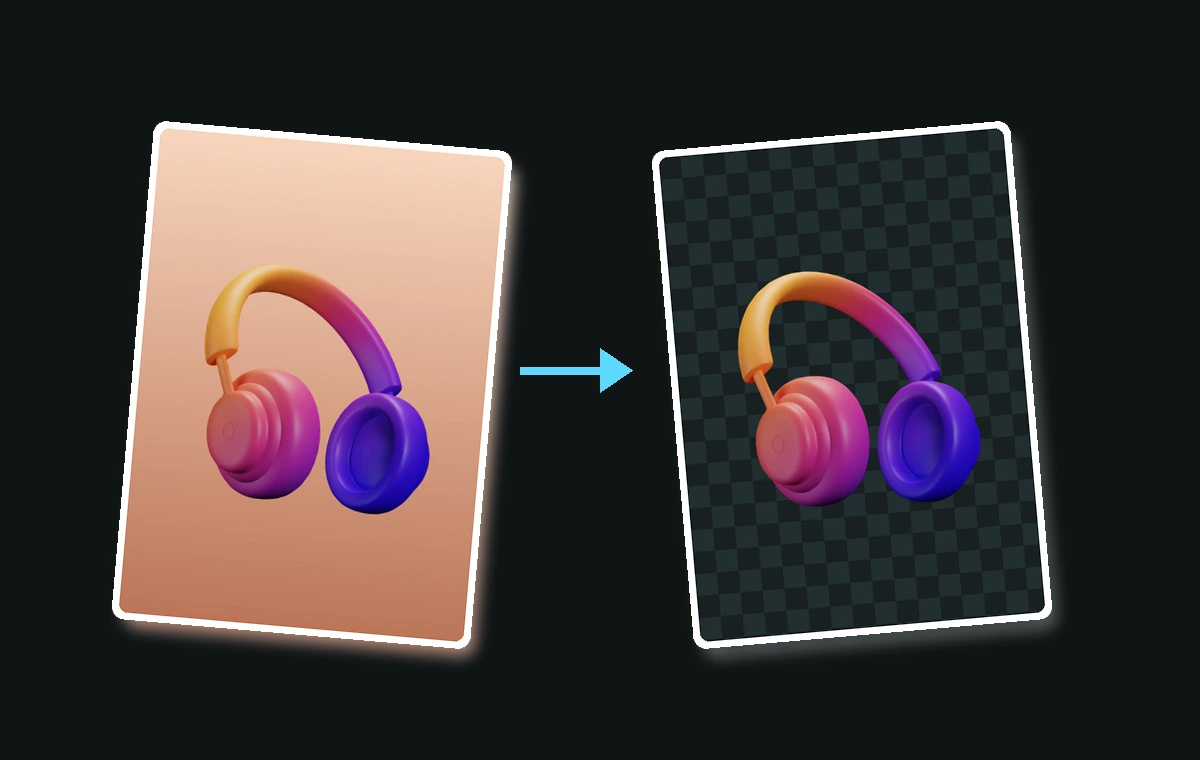
Product shots, pet photos and stickers all use the same flow. No background type, tolerance or manual brush: upload, preview frame 1 free, unlock when it looks right.
Preview frame 1 free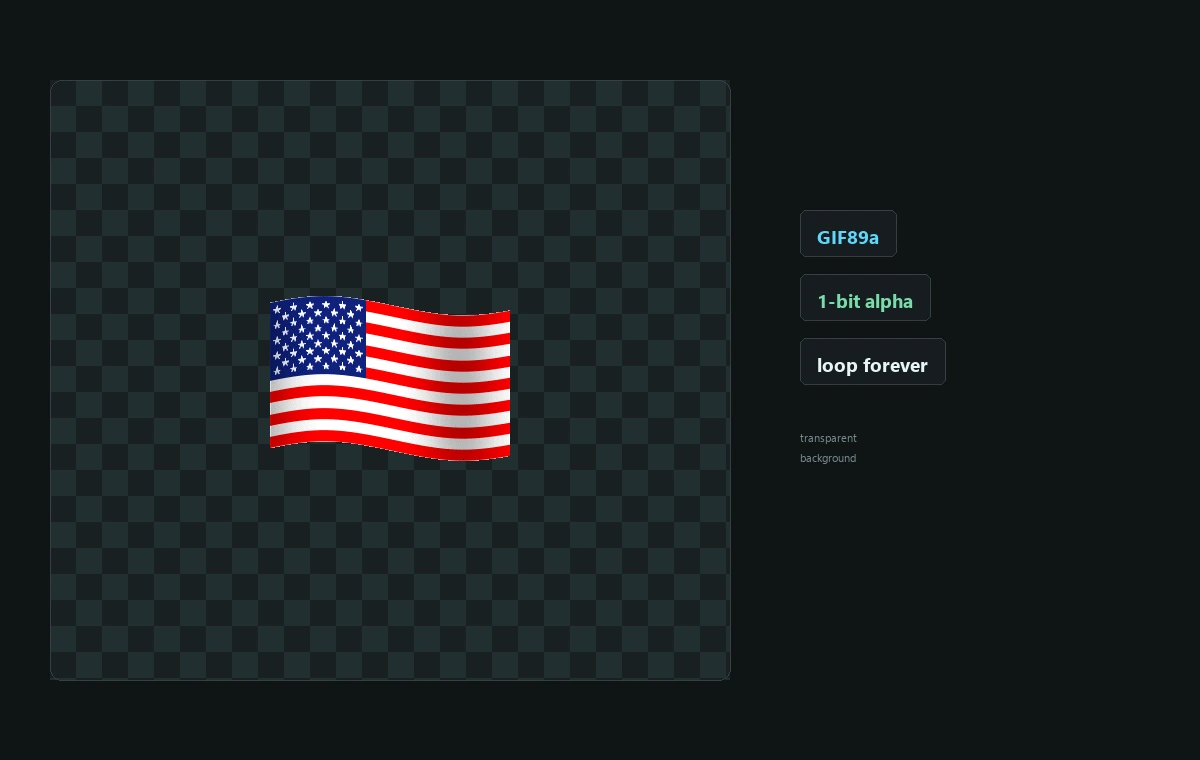
The paid export is a GIF89a with a transparent palette index and the original loop, not a flattened still or a white box.
Make a transparent GIF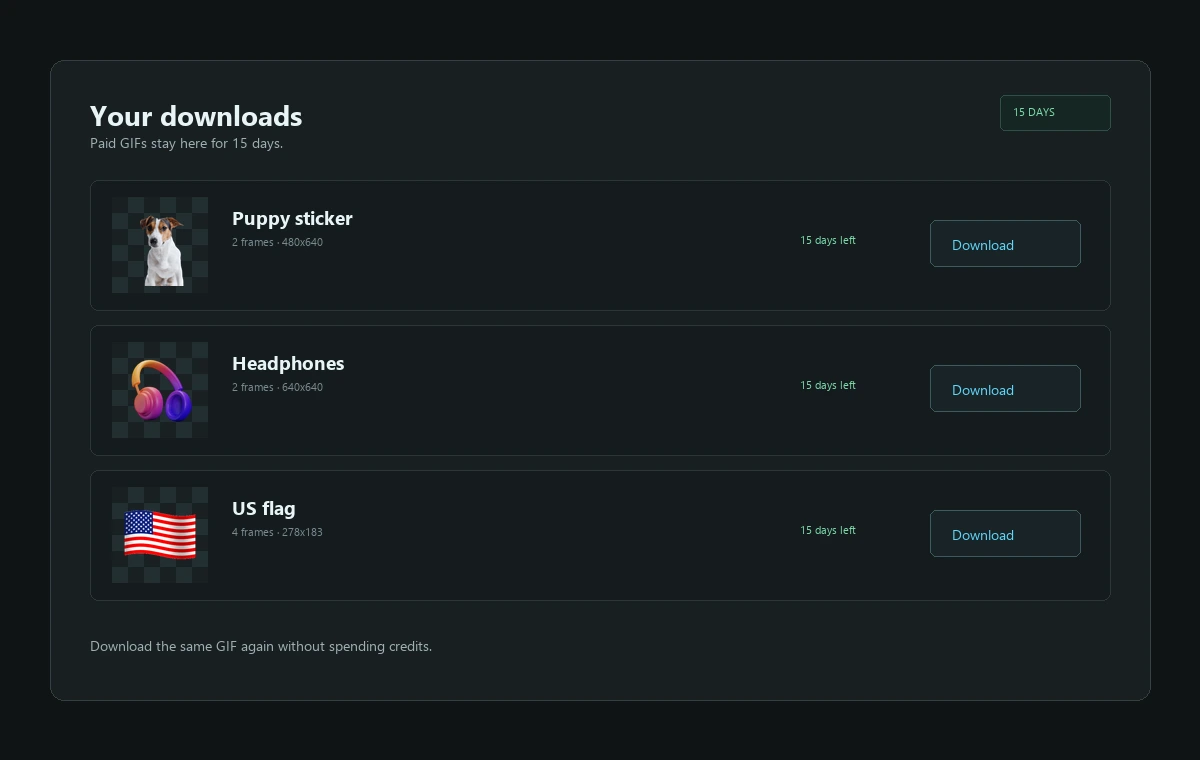
Paid GIFs stay in your account for 15 days. Download the same file again without spending credits.
Upload a GIFTurn a clip into a die-cut sticker with a transparent background that sits on any chat theme.
Drop the studio backdrop from a 360° product loop so it can sit on any storefront colour.
Cut the background from stream alerts, emoji and animated badges before adding them to OBS.
Place an animated GIF on a slide or README with a matching background instead of a white box.
Turn a dog or cat clip into a die-cut pet sticker for Discord, WhatsApp or Telegram chats.
Make a transparent loop for short-form video overlays, thumbnails and animated social posts.
Place a transparent product or mascot loop over a branded gradient, photo or video background.
Show a transparent GIF in a client deck or storefront mockup without erasing the background by hand.
A transparent GIF is an animated GIF89a file with one palette entry marked as transparent. Those pixels show whatever sits behind the image instead of a solid colour, so the animation can move across a chat theme, a product page, a slide or a video overlay without carrying a white rectangle around with it. The format is old, but it is still the most portable way to send a short animation that behaves like a sticker.
GIF transparency is one bit. A pixel is either fully transparent or fully opaque, which is why soft hair, glass and anti-aliased edges can look harder than they do in a PNG. That is a limitation of the format, not of the background removal. If you need smooth alpha edges, use a PNG or WebP still; if you need motion, a transparent GIF is the file that chat apps and editors accept most reliably.
Removing a background from an animation is different from removing it from a photo. Every frame has to be segmented, and the frames have to be rebuilt in the original order with the original delays and loop count. If one frame is skipped, the background flashes back mid-loop. GIFRemove processes the animation frame by frame after you unlock it, then assembles a new GIF89a with a transparent colour index and the original loop block.
The free preview deliberately processes only frame one. That gives you a real look at the cutout before you spend anything, without paying for a full animation you may not want. If the edges look right, unlock the remaining frames with credits; if they do not, try a cleaner source or a higher-resolution GIF. The preview PNG is yours to keep either way.
Uploads can be animated GIF, PNG, JPG or WebP, up to 25 MB and 120 frames. Paid results stay in your account for 15 days, so you can download the same GIF again without spending credits a second time. Files are processed by the server-side API; the browser only handles upload, preview and download. No software, no plugins and no local background-removal algorithm are required.
Explore the focused guides: transparent GIF, remove GIF background, transparent GIF maker and make GIF transparent.
Drop a GIF, keep the motion, lose the background. Free, private, and no watermark.